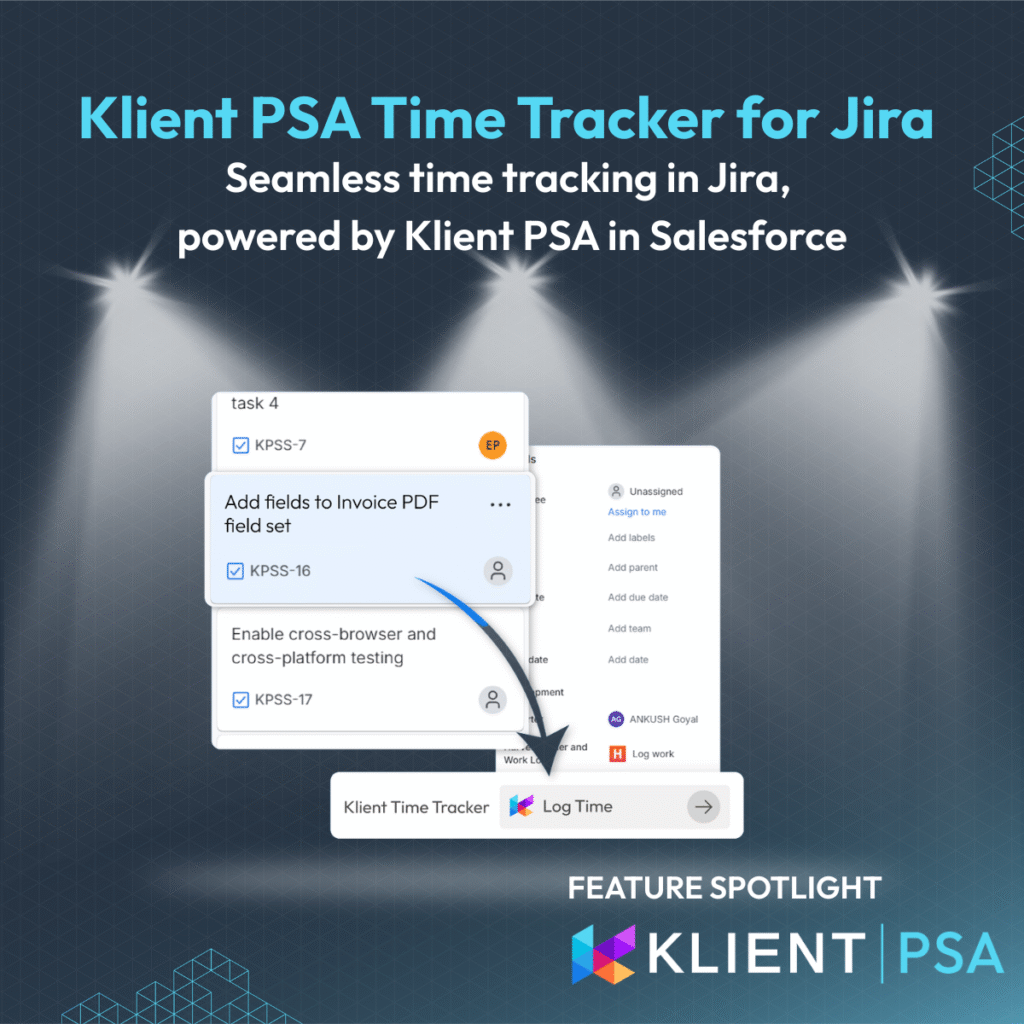
KLIENT FEATURE SPOTLIGHT
Klient PSA Time Tracker for Jira. Streamlining Time Entry for Consulting Firms
When delivery teams work in Jira and finance lives in Salesforce, every hour logged in the wrong place weakens your business intelligence. Forecasts become guesswork, billing accuracy suffers, and leaders lose visibility into project profitability.
The Klient PSA Time Tracker for Jira changes that. It lets consultants and engineers log time directly from any Jira issue into Klient PSA on Salesforce, without syncing or duplicate data. Every hour tracked fuels forecasting accuracy, billing precision, and end-to-end visibility across your service business.
See it live on the Atlassian Marketplace.
For consulting firms and SaaS delivery teams, it’s the simplest way to connect work execution with financial performance, finally aligning Jira activity with Salesforce insights.
How It Works: Time Tracking Built Into Your Jira Workflow
The Klient PSA Time Tracking App eliminates the gap between development work and revenue recognition by embedding time logging directly into Jira’s interface. When developers open any JIRA issue, they see a dedicated Klient PSA time tracking button that connects securely to their Klient PSA environment.
- One-Time Authentication Setup
The integration uses OAuth 2.0 device flow authentication, designed specifically for enterprise applications. Your team connects to Salesforce once using a secure verification process no passwords stored, enterprise-grade security maintained throughout. This one-time setup automatically handles token refresh and maintains persistent connections across browser sessions.
- Live Project and Task Data
The system pulls current Klient PSA projects and tasks in real-time, ensuring developers always see accurate, up-to-date options. Projects are filtered to show only active, non-archived items where time entry is permitted, while tasks are dynamically loaded based on project selection. This live data connection respects your existing Klient PSA security model, project hierarchies, and user permissions. If a Jira issue has been linked to a Klient PSA task before, the integration pre-selects that project and task automatically.
- Direct Time Entry Process
The time entry interface appears as a panel within any Jira issue:
- Open the time tracker — Access the Klient PSA Time Tracker panel from the Jira issue
- Select your project — Choose from active Klient PSA projects (or use the pre-selected one)
- Pick the task — Filtered list based on selected project
- Enter hours and date — Date defaults to current day, calendar picker available for backdating
- Add notes — Optional work description field
- Submit — Time entry is created in Klient PSA via the API
The integration submits the time entry to Klient PSA including the Jira issue ID, issue link, and issue name, creating a reference between the Jira work and the Klient PSA time entry.
Key Benefits for Consulting Firms
✅ Eliminate revenue leakage by staying in your workflow
When developers log time without leaving Jira, you capture every billable minute that would otherwise slip through administrative cracks. No more lost hours from forgotten time entries or delayed logging.
✅ One platform for visibility and profitability
Time entries post directly into Salesforce, powering utilization dashboards, resource forecasts, and billing summaries.
✅ Accelerate Team Adoption Without Training Overhead
Your developers continue using JIRA exactly as they always have, while time tracking becomes an invisible part of their existing workflow. Zero learning curve, immediate productivity gains.
VIDEO
Screenshots
RELATED DOCUMENTATION
– Explore the FAQ
– Explore time tracking in Salesforce
Free eLearning courses:
– How to manage resources in Salesforce
– How to track billable hours and PTO’s in Salesforce
How Consulting Teams Use Klient PSA Time Tracking app for Jira
Consider a professional services firm where delivery teams use Jira for project management and ticket tracking, while project managers and finance use Klient PSA in Salesforce for time tracking and billing.
The Traditional Workflow
A consultant completes work on a Jira issue. To log time, they:
-
- Open Salesforce in a separate browser tab
- Navigate to Klient PSA
- Find the correct client project from a dropdown
- Select the appropriate task
- Enter hours and date
- Add notes about what was done
- Submit the time entry
- Return to Jira to continue working
This requires switching contexts between Jira and Salesforce every time they need to log hours.
With the Klient PSA Time Tracker
A consultant completes work on a Jira issue. To log time, they:
- Click the Klient PSA Time Tracker panel in the same Jira issue
- Verify the pre-selected project and task (if previously linked)
- Enter hours
- Submit
They stay in Jira throughout. The time entry appears in Klient PSA with the Jira issue reference included.
What Changes
Teams can log time as part of their natural workflow—when they close a ticket, update a status, or finish a task for the day. The integration removes the barrier of having to switch to a different application just to record hours worked.
For firms where team members previously delayed time entry because of the friction involved, embedded tracking makes it easier to capture time when work is completed rather than reconstructing hours at the end of the week.
Klient PSA Time Tracker for Jira turns time entry into a strategic advantage. By capturing every hour directly in Salesforce, you gain the real-time insight needed for accurate forecasting, efficient billing, and proactive delivery management.
End the quarter with visibility, not uncertainty.
See it live in a demo.
Klient PSA Time Tracker for Jira FAQ
Yes. The tracker supports both project-level and task-level entries. This flexibility lets delivery teams record administrative time at the project level while linking billable work to specific tasks for precision billing.
Unlike basic time tracking tools, this integration connects directly to your Klient PSA system with live project data, automatic audit trails, and enterprise-grade security. It’s specifically designed for consulting firms using Klient PSA for billing and project management, not just simple time logging, ensuring seamless integration with existing financial and reporting workflows.
The integration uses OAuth 2.0 device flow authentication with encrypted token storage in Atlassian Forge’s secure environment, meeting enterprise security requirements. No passwords are stored, all data transmission uses enterprise-grade encryption, and the system automatically handles token refresh without compromising security, ensuring client data protection throughout the time tracking process.
Initial setup requires approximately 30 minutes for Salesforce Connected App configuration and Forge application deployment. Once configured, team members authenticate once and can immediately start logging time without training, as the interface works within existing JIRA workflows that developers already know and use daily.
Found this helpful?
Here are some similar articles in our serie Klient Feature Spotlight
Replace all your tools with Klient, Salesforce #1 PSA platform
Run your entire SaaS and consulting business on a single professional service automation platform native to Salesforce!