KLIENT FEATURE SPOTLIGHT
Klient PSA 50.8: Log Time from Google Calendar & Automate Project Schedules
Release 50.8 introduces a smarter, more connected way to manage projects, time, and financials. This release is helping consulting firms and SaaS delivery teams save time, improve visibility, and strengthen operations on Salesforce.
📅 Log Time from Google Calendar in Salesforce
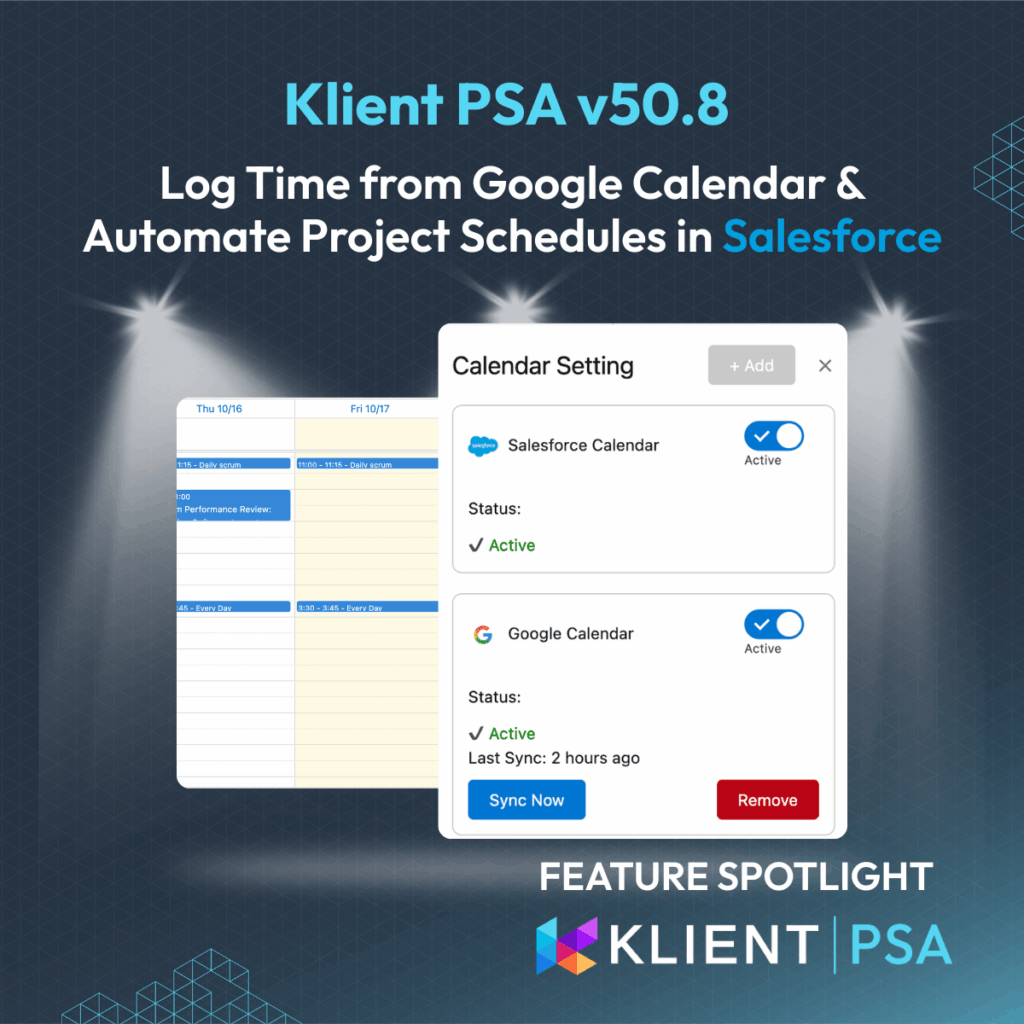
Time tracking just got easier. You can now connect Google Calendar directly to Klient PSA and log time from meetings without leaving My Timesheet.
The new Calendar Sync Settings panel lets you:
-
Add, manage, or reauthorize calendar connections.
-
Toggle which calendars are visible in Klient.
-
Instantly sync events for faster, more accurate time capture.
✅ Benefit: Stop switching between apps. Every meeting can become a billable time entry in seconds.
Looking for earlier updates? Explore the Klient PSA feature spotlight archive.
🕓 Redesigned My Timesheet for Clearer Utilization Tracking
The redesigned My Timesheet brings a modern look, faster navigation, and built-in performance indicators.
-
Color-coded daily totals: Green / Yellow / Red for real-time compliance visibility.
-
Smarter utilization metrics that highlight if you’re meeting or missing targets.
-
Simplified inputs and interactions that match Salesforce’s modern UI.
✅ Benefit: Instantly know where you stand on utilization, compliance, and workload all in one view.
📆 Automate Project Scheduling with Project Transpose
Managing shifting timelines is now effortless. With Project Transpose, project managers can move entire project schedules or task branches while maintaining dependencies and durations.
Choose between:
-
Transposing to a specific date, or
-
Shifting by days, weeks, or months
And because it’s available as an invocable Apex action, you can embed it in Salesforce Flow automations for instant schedule adjustments.
✅ Benefit: Save hours of manual recalculation while keeping project plans consistent and accurate.
💰 Smarter Expense Management with QuickBooks Integration
Finance teams can now control and customize how expenses sync with QuickBooks.
Release 50.8 introduces:
-
On-demand syncing to replace webhook-based automation.
-
Configurable receipt uploads (optional).
-
Automatic vendor creation to prevent duplicates and ensure consistent data.
✅ Benefit: Faster, cleaner, and more accurate financial reconciliation between Salesforce and QuickBooks.
Ready to See it in Action?
See it live: Register for our next live product update webinar
VIDEO
SCREENSHOTS
AUDIO SUMMARY
RELATED DOCUMENTATION
– Read the Release Notes
– Explore the FAQ
Free eLearning courses:
– Learn how to log your time in Salesforce
– How to structure your project in Salesforce
Release 50.8 FAQ
With Klient PSA 50.8, you can now connect your Google Calendar directly to Klient and log time entries from your calendar meetings inside My Timesheet. Once connected through the new Calendar Sync Settings, your meetings automatically appear in Klient PSA — simply select a meeting and convert it into a time entry. This makes Salesforce time tracking faster and more accurate than ever.
The new My Timesheet introduces a modern interface with color-coded performance indicators. Each day’s logged hours are now visually marked as green, yellow, or red, helping users instantly see if they’re meeting utilization goals. This update improves both time tracking accuracy and overall user experience for professional services teams running on Salesforce.
Project Transpose allows project managers to shift entire project schedules or task branches automatically, without breaking dependencies. You can move projects to a specific date or adjust by days, weeks, or months. It’s also available as an invocable Apex action, meaning teams can automate scheduling in Salesforce Flow for smarter, faster project governance.
Klient PSA 50.8 introduces major upgrades to QuickBooks synchronization, giving finance teams more control and reliability. You can now perform on-demand purchase syncs, manage receipt file uploads, and automatically create vendors in QuickBooks to avoid duplicates. These enhancements streamline expense management and ensure your Salesforce and QuickBooks data stay perfectly aligned.
Found this helpful?
Here are some similar articles in our serie Klient Feature Spotlight
Replace all your tools with Klient, Salesforce #1 PSA platform
Run your entire SaaS and consulting business on a single professional service automation platform native to Salesforce!