KLIENT FEATURE SPOTLIGHT
Klient Preload
Make Your Salesforce & Klient PSA Faster
Salesforce is a trusted and highly secure platform, but sometimes that comes at the cost of speed. Good news—we’ve got a solution!
Why Is Salesforce Sometimes Slow?
You’ve probably noticed Salesforce slowing down when you log in, especially in the mornings. This happens because your browser’s cache gets reset. For security reasons, Salesforce clears data after each browser session or timeout, meaning your browser has to reload a bigger payload when you return.
Depending on your session timeout settings, this can happen multiple times a day. But it’s important to note that only the first time you load a specific page or object is affected. Once cached, pages load much faster.
How to Speed Up Salesforce & Klient PSA
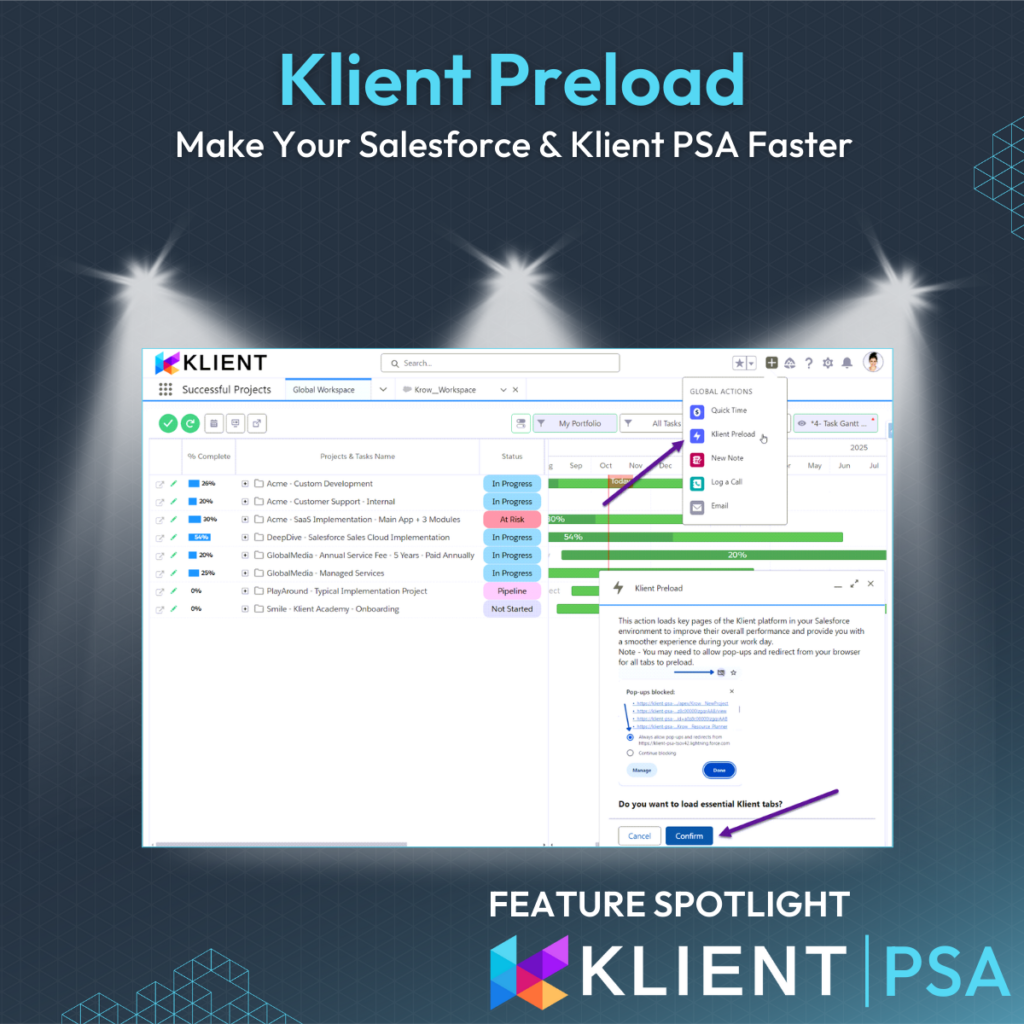
To give you a smoother experience, we’ve developed the ‘Klient Preload’ Global Action. It preloads key Klient pages and records, so you won’t experience that initial lag during your session. It does this by opening several browser tabs in the background, which you can close once they’ve fully loaded.
Here’s how to set it up:
Add the Klient Preload button to Global Actions → Publisher Layouts.
The first time you use it, you may need to allow pop-ups for your Salesforce domain.
Run it every morning or whenever your session times out.
Once the tabs have loaded, right-click the leftmost tab and select ‘Close tabs to the right’ to close them all in one go.
Other Tips for Speed
Check Your Internet and Device
Your internet speed and computer specs can impact performance. Check your Salesforce speed stats by going to https://MyDomainName.lightning.force.com/speedtest.jsp (replace ‘MyDomainName’ with your Salesforce domain).
Reboot Your Device
Even though it’s cloud-based, rebooting your PC or Mac occasionally can help speed things up.
Restart Chrome
In Chrome, type chrome://restart into the URL bar to restart the browser and improve performance. Don’t forget to run the Klient Preload button after a reboot or browser restart!
Don’t have Klient PSA?
You should… but in the meantime, you can create your own Global Actions using a flow to replicate the behavior of the Klient Preload button for your specific pages and objects.
SCREENSHOTS
RELATED INFORMATION
If you like our Feature Spotlight, you might be interested in our Klient Tips series:
View All Klient-Tips
Found this helpful?
Here are some similar articles in our serie Klient Feature Spotlight