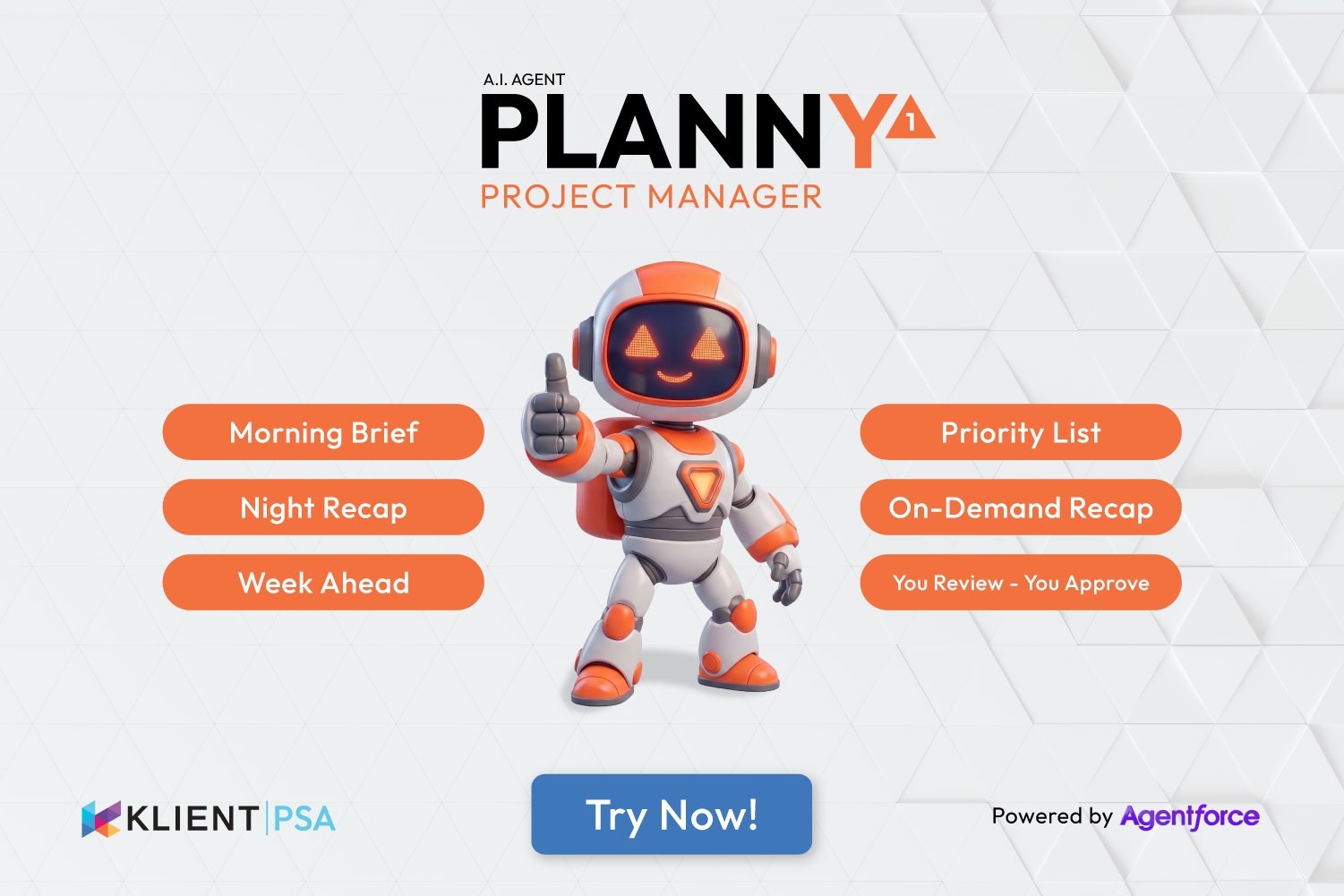
Project Agent: Ask Questions, Get Answers, Take Action.
Your AI-powered assistant for project management in Salesforce.
Project Agent eliminates this friction by bringing conversational AI directly into Klient PSA. Ask questions in plain English, get instant answers, and take action without leaving the conversation. Built on Salesforce Agentforce, Project Agent understands your intent and works with live Salesforce data.
Whether you need to check project status, create a task, or understand your team’s workload, Project Agent handles it through natural conversation.
How It Works: Conversational Project Management
Project Agent integrates into your existing Klient PSA workflow as a chat interface. You can access it from a dedicated tab in Salesforce, embed it on record pages, use it in Salesforce Communities, or interact with it directly through Slack. This means your team can query project data and take actions without leaving their preferred workspace.
Ask Questions in Plain English
Type questions the way you would ask a colleague. Project Agent understands context and translates your request into the right query.
Examples:
– “What projects am I assigned to?”
– “Show me overdue tasks for the Website Redesign project”
– “How many hours did I log last week?”
– “Which projects are over budget?”
The AI interprets your question, identifies the right filters and parameters, and returns formatted results with clickable links to records.
Get Calculated Insights Automatically
Project Agent does not just retrieve data. It calculates metrics you care about:
1. Hours Remaining — Estimated hours minus hours logged, shown per project or task
2. Budget Variance — Budget minus actual cost, highlighting over-budget projects
3. Utilization Rate — Billable hours as a percentage of total hours logged
4. Completion Status — Tasks and projects with progress indicators
5. Workload Analysis — Hours scheduled across your assigned projects and tasks
These calculations happen automatically when you ask questions like “How much budget is left on Project Phoenix?” or “Which tasks are over their estimated hours?”
Take Action Through Conversation
Project Agent is not read-only. Create new records directly from the chat:
1. State your intent — “Create a project for Q1 Marketing Campaign”
2. Provide details — Project Agent prompts for any required information
3. Confirm creation — Review the details before Project Agent creates the record
4. Get confirmation — Receive the new record ID with a link to view it
5. Continue working — Add tasks, update fields, or ask follow-up questions
Key Benefits for Project Teams
✅ Faster Access to Information
✅ Reduced Context Switching
✅ Natural Language Flexibility
Screenshots
Autonomous Project Creation with Project Agent
Klient PSA Project Agent: Project creation from CSV file
Klient PSA Project Agent: Write your request
Klient PSA Project Agent: Processing the request
Klient PSA Project Agent: Project Gantt ready
Project Agent Requests
Klient PSA Project Agent: Conversational Request
How Project Managers Use Project Agent
Consider a project manager reviewing their portfolio on Monday morning. They need to identify at-risk projects, check team utilization, and plan the week ahead.
The Traditional Workflow
Without Project Agent, here is what that looks like:
- Open the Projects list view and apply multiple filters
- Export to spreadsheet to calculate hours remaining
- Navigate to each project to check resource allocation
- Run a separate timesheet report for utilization
- Create a task list manually from the findings
This process takes 30-45 minutes and requires switching between multiple screens and tools.
With Project Agent
The same review happens through conversation:
- “Show my projects where status is At Risk” — Instant list with details
- “Which projects have less than 10 hours remaining?” — Calculated results
- “What’s Sarah’s utilization this month?” — Percentage with breakdown
The entire review completes in under 10 minutes, with results you can act on immediately.
What Changes
Project Agent transforms how you interact with project data. Instead of navigating to data, data comes to you through conversation. The AI handles the translation between your questions and Salesforce queries, returning formatted results you can understand at a glance.
This does not replace the detailed project views and reports in Klient PSA. It complements them by providing a fast path to common questions and actions. Use Project Agent for quick lookups and routine operations, then dive into full project views when you need detailed analysis.
The conversational interface reduces training requirements for new team members. They can ask questions naturally without learning navigation paths or filter configurations.
Ready to bring conversational AI to your project management? Contact your Salesforce Administrator to enable Project Agent or request a personalized demo.
Project Agent FAQ
How is Project Agent different from dashboards and reports in Klient PSA?
Dashboards show static visualizations that require configuration, while Project Agent gives dynamic, conversational access to live data. For example, you can ask “Which projects are 80% complete but over budget?” and get instant results without creating a custom report. Project Agent also calculates derived metrics like hours remaining on the fly.
Does Project Agent work with custom fields we have added to projects and tasks?
Can Project Agent create records or only search for existing data?
What permissions do users need to use Project Agent?
Can I use Project Agent from Slack?
Does Project Agent remember context from earlier in the conversation?
Replace all your tools with Klient, Salesforce #1 PSA platform
Run your entire SaaS and consulting business on a single professional service automation platform native to Salesforce!