TIMEY 1AI Timesheet Agent for Salesforce
The average consultant loses up to 50% of their billable work by waiting until end of week to record it. TIMEY captures it in real time.
Your timesheet. Filled before you think about it.
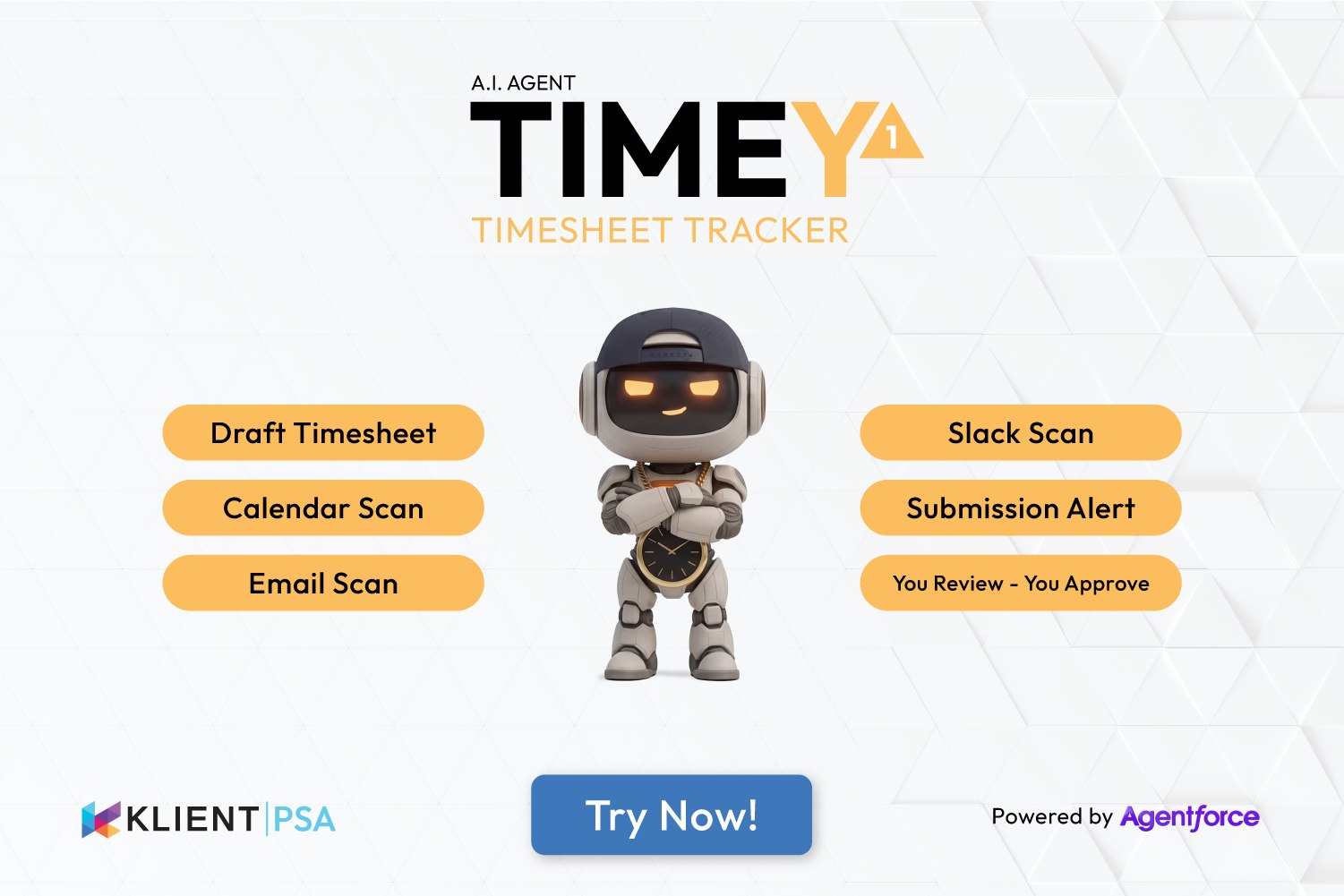
TIMEY 1 is an AI timesheet agent for Salesforce — it reads your Klient PSA schedule, calendar, email, and Slack to understand where your time actually went, then pre-fills your timesheet automatically. You review and approve in 15 seconds. No manual entry. No Friday scramble. No lost billable hours.
What Does TIMEY 1 Actually Deliver for Your Business?
Conservative outcomes based on industry research — not vendor claims.
- 20% of billable hours never recorded.
- 68.9% utilization — 6 points below optimal.
- 87.9% of revenue target. 12.1% left on the table.
Industry research cited above is drawn from independent and vendor-sponsored studies. Numbers reflect averages across PS organizations — individual results vary by firm size, project complexity, and existing tooling maturity.
Multiple Sources In. One Draft Timesheet Out. You Review — You Approve.
Your Klient PSA schedule, calendar, email, and Slack — captured automatically. One draft timesheet. 15 seconds to approve.
📋 Draft timesheet — Klient PSA already knows your week
Before TIMEY scans a single calendar event or email, Klient PSA already knows your planned schedule — your projects, your assignments, your expected hours. That's the starting point. Better than any blank timesheet, better than any guess. TIMEY uses that foundation, then layers in what actually happened: your Klient PSA schedule, calendar, email, and Slack. The result is a draft that reflects both what was planned and what was done.
| Project | Description | Source | Hours |
|---|---|---|---|
| Acme Onboarding | Kickoff call — 10:00–11:00 | cal | 1.0h |
| Acme Onboarding | Data migration approvals — email | 1.0h | |
| Acme Onboarding | Deep work — schedule block | sched | 1.0h |
| Acme Delivery | #acme-delivery channel — 14:00–15:30 | slack | 1.5h |
| Acme Delivery | Delivery review call — 11:00–12:00 | cal | 1.33h |
| Project Solstice | Weekly sync — 14:00–14:30 | cal | 0.5h |
| Project Solstice | Integration question — email thread | 1.0h | |
| Project Solstice | #solstice-support — 16:10–16:45 | slack | 1.0h |
| Total captured | 8.33h | ||
☀️ Calendar scan — maps your meetings to projects automatically
TIMEY reads every calendar event for the day — meeting title, attendees, duration, and time block — and maps it to the correct Klient PSA project. Recurring client meetings, kickoff calls, workshops: all captured and attributed without lifting a finger.
📧 Email scan — finds billable client time hidden in your inbox
Client emails take real time — and that time almost never gets recorded. TIMEY scans your inbox, identifies threads with client domains, estimates time spent, and maps them to the matching Klient PSA project. The $50,000/year that walks out through your email client, captured.
💬 Slack scan — captures work windows from channels and DMs
Active Slack time is work time. TIMEY reads your channel and DM activity windows, identifies which channels map to client projects, and captures that time as billable. The #acme-delivery channel that absorbed your afternoon — recorded.
🔔 Submission Alert — never submit a late or incomplete timesheet
Friday afternoon. You're staring at a blank timesheet trying to remember what you did on Tuesday. That ends now. TIMEY notifies you before the deadline — if your timesheet is complete, one tap submits it. If there are gaps, it shows you exactly what's missing so you can fill it in before the billing run closes. No scramble. No lost hours.
👁️ You Review — You Approve
TIMEY never submits without you. Once the draft is ready and gaps are resolved, you receive a review screen with every entry listed. Scan the entries, adjust anything that needs changing, and tap Approve & Submit. Done. The timesheet hits Klient PSA as a standard record — your existing approval workflow takes it from there.
Is TIMEY 1 Safe to Run in My Salesforce Org?
TIMEY 1 reads your Klient PSA schedule, calendar, email, and Slack data to build your timesheet draft. It never submits without your explicit approval. Your timesheet data stays in your Salesforce org.
Common Questions About TIMEY 1
Does TIMEY 1 work with both Google and Microsoft?
Yes. TIMEY reads Google Calendar, Gmail, Microsoft Outlook Calendar, and Outlook email. Slack integration works independently of which calendar or email provider you use.
How does TIMEY know which project to map time to?
TIMEY uses meeting attendees, email domains, subject lines, and Slack channel names to map time to Klient PSA projects. The mapping improves as patterns are established. Consultants can adjust any entry before approving.
What if a time entry is wrong?
Every entry is staged for review before submission. The consultant reviews the draft, adjusts any incorrect entries, and approves. TIMEY never submits a timesheet without explicit approval. You remain fully in control of every time record.
Does TIMEY 1 replace manual time entry entirely?
For most consultants, TIMEY captures 80–90% of billable time automatically. Before submitting, TIMEY sends a notification — if the timesheet is aligned, one tap confirms and submits. If there are gaps or a deadline approaching, it surfaces a gap report so you can act instantly. You never submit a late or incomplete timesheet without knowing it.
Is TIMEY 1 a subscription or one-time?
One-time. You pay $1,000 USD once to license TIMEY 1. The only ongoing cost is the Salesforce Flex Credits it consumes — approximately 20 credits per execution. One execution = one timesheet draft generated and delivered for review. Credits are purchased directly from Salesforce. Confirm current rates with Salesforce — pricing is governed by your Salesforce agreement.
What happens to the Klient PSA timesheet after approval?
Once the consultant approves, TIMEY submits the timesheet to Klient PSA as a standard time entry record. It follows your existing approval workflow — manager approval, billing run, revenue recognition — exactly as a manually entered timesheet would. Nothing changes downstream. TIMEY only automates the capture and draft creation.
