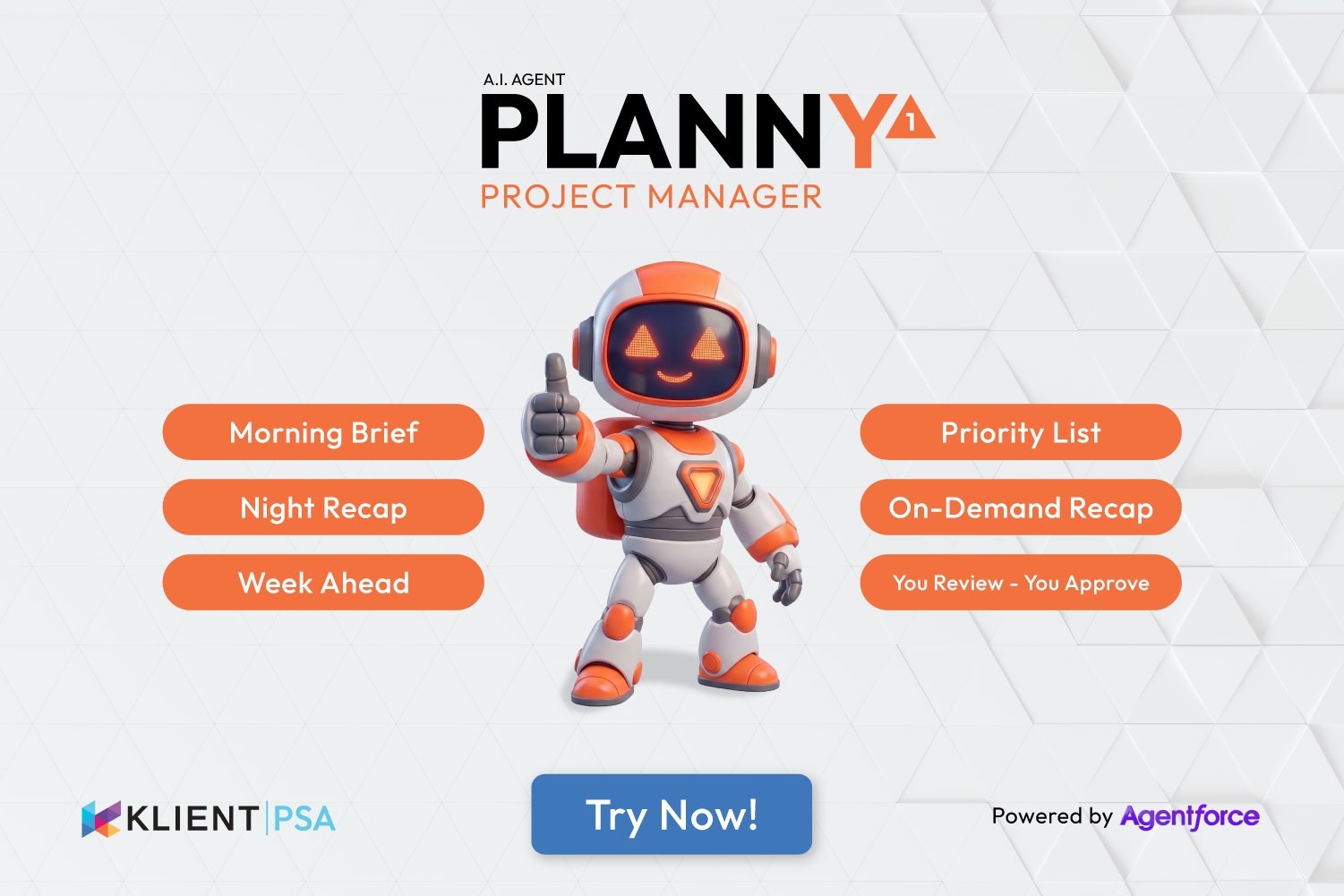
PLANNY 1AI Project Management Agent for Salesforce
Project managers spend up to 60 minutes a day rebuilding context they already had — piecing it back together throughout the day. PLANNY delivers it automatically, so the rebuilding never starts.
Know where every project stands. Morning. Night. On demand.
PLANNY 1 is an AI project management agent for Salesforce — powered by Agentforce and built into Klient PSA. It reads your projects, SPI/CPI/RPI Snap metrics, task dependencies, and resource assignments, then delivers prioritized, actionable briefs every morning and night, plus on demand whenever you ask. For project managers and every team member on the project.
What Does PLANNY 1 Actually Deliver for Your Business?
Conservative outcomes based on industry research — not vendor claims.
- 11.3% of PS projects exceeded budget in 2024 — up from 9.6% in 2023.
- EBITDA at a 5-year low — down to 9.8%.
- Only 1 in 10 PS firms delivers 90%+ of projects on time.
Industry research cited above is drawn from independent and vendor-sponsored studies. Numbers reflect averages across PS organizations — individual results vary by firm size, project complexity, and existing tooling maturity.
6 Actions. Two Automatic. Three On Demand. You Decide.
6 actions. Two automatic. Three on demand. Every brief in your inbox, Slack, or Agentforce chat — no login required. You review. You approve.
☀️ Morning Brief — every day, before you start
🌙 Night Recap — every day, before you close
💬 On-Demand Recap — any time, any channel
🎯 Priority List — what to do right now
📅 Week Ahead — 7 days across all projects
👁️ You Review — You Approve
Is PLANNY 1 Safe to Run in My Salesforce Org?
PLANNY 1 reads Klient PSA project data — it never writes, modifies, or deletes any record. Your data never leaves your Salesforce org.
Common Questions About PLANNY 1
Can PLANNY 1 change or update my project data?
No. PLANNY 1 is read-only. It reads Klient PSA project data — tasks, owners, SPI/CPI metrics, due dates — and delivers briefs. It never creates, modifies, or deletes any Salesforce record. You remain fully in control of your project data.
Does PLANNY 1 work if I don't use Snap metrics?
Without Snap, PLANNY 1 still delivers full task-based briefs — overdue alerts, dependency cascade warnings, priority lists, team member briefs, and on-demand chat. What requires Snap: the SPI/CPI/RPI trend detection, portfolio health scoring, and the "projects going red" narrative in the morning brief. If Snap is not active, those sections of the brief won't fire. Snap is a Klient PSA feature — your admin can activate it independently of purchasing PLANNY. How to set up Snap →
Do team members see all projects or only theirs?
The distinction is project ownership. If you own projects, PLANNY gives you the full portfolio view — health scores, overdue cascade, blocking dependencies across all active projects. If you are a team member with no project ownership, PLANNY delivers your personal brief only: your priority list, your overdue tasks, and your upcoming deadlines. No portfolio features, no other people's work.
Is PLANNY 1 a subscription or a one-time purchase?
One-time. You pay $1,000 USD once to license PLANNY 1. The only ongoing cost is the Salesforce Flex Credits it consumes — approximately 20 credits per brief per recipient. One execution = one brief delivered to one person. A team of 10 receiving morning and night briefs consumes ~400 credits per day. On-demand chat replies each consume ~20 credits. Credits are purchased directly from Salesforce. Confirm current rates with Salesforce — pricing is governed by your Salesforce agreement.
What should I set up in Klient PSA to get the most value from PLANNY 1?
Three things unlock PLANNY 1's full intelligence. First, task scheduling — every task should have a due date and an assigned owner so PLANNY can flag what is overdue and who owns the risk. Second, time logging — logged hours feed the CPI calculation that drives budget health alerts. Third, task dependencies — PLANNY uses dependency data to surface blocking relationships and warn when an overdue task is delaying downstream work. The Snap object and Scheduled Snap are required for SPI/CPI/RPI trend detection. Without them, PLANNY still delivers task-based briefs but cannot provide portfolio health scoring.
Does PLANNY 1 work with Slack?
Yes — Slack is a recommended delivery channel. PLANNY can send morning briefs, night recaps, and week-ahead summaries directly to a Slack channel. You can also trigger on-demand reports by messaging PLANNY in Slack: type "morning report?" and get a fresh brief in seconds. Slack requires the Salesforce for Slack app to be installed and connected to your org. Without Slack, PLANNY delivers via email and Agentforce chat.
What is the difference between PLANNY 1 and a Klient PSA dashboard or report?
Dashboards and reports are pull tools — you navigate to them, apply filters, and read what you find. PLANNY 1 is a push tool — it delivers a synthesized, prioritized brief to you on a schedule and on demand. The key difference is not the data — it is that PLANNY translates data into specific next actions, ranking them by urgency and impact so you know exactly what to do without having to interpret the numbers yourself. Learn how to set up Snap Workspace →