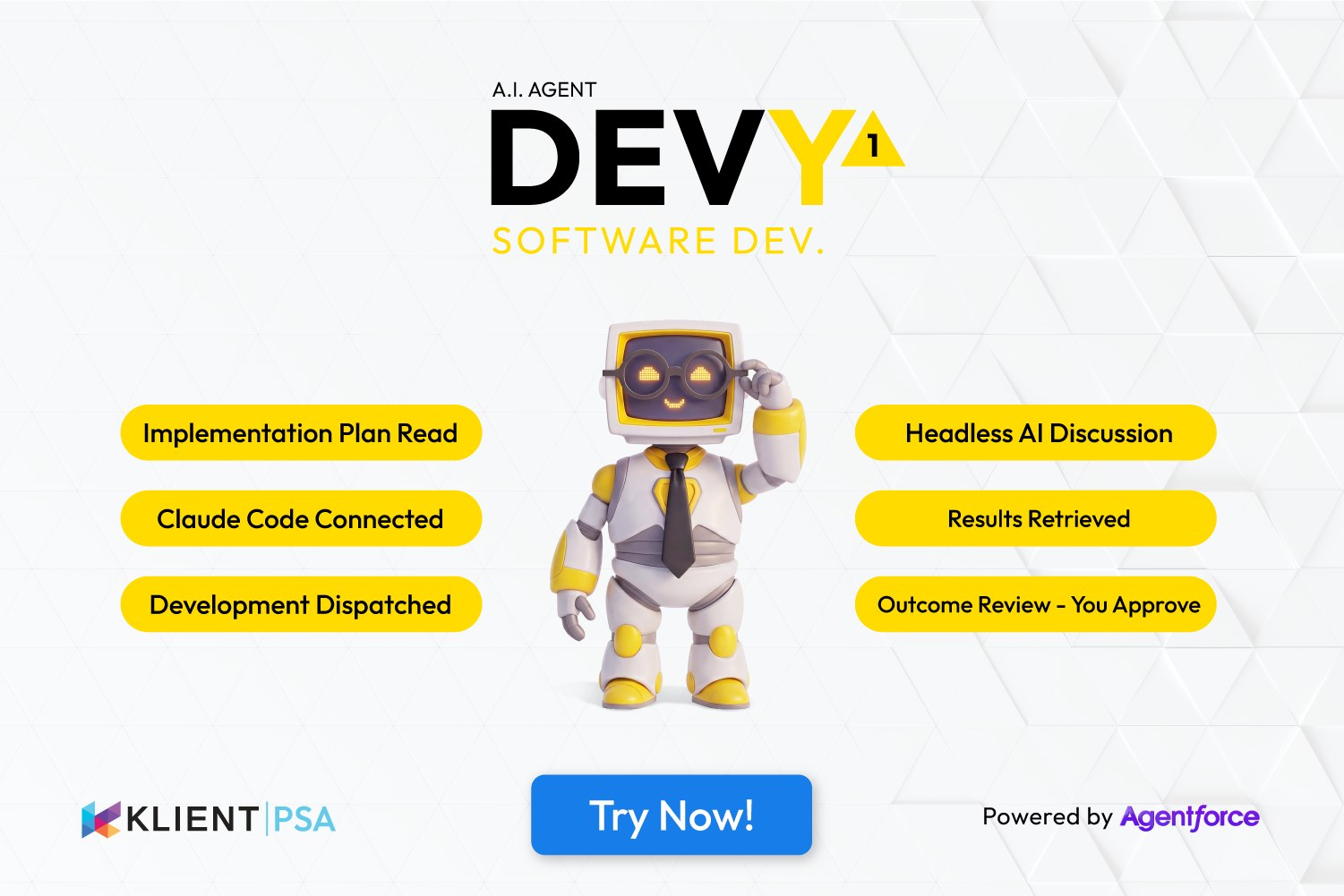
📥 Implementation Plan Read — scope, criteria, and constraints loaded from Klient PSA
DEVY reads the structured implementation plan from the Klient PSA task fields. The plan can be written by SCOPEY1 or by a human — either works. DEVY reads the scope, the acceptance criteria, the constraints, and the context. Everything Claude Code needs to start is already in the task.
🔌 Claude Code Connected — plan dispatched via MCP1
DEVY connects to Claude Code through MCP1 — the Klient PSA MCP server that bridges external AI to live project data. The implementation plan is formatted and dispatched. Claude Code receives the full context: scope, acceptance criteria, constraints, and the relevant Klient PSA project data. Development can begin.
⚙️ Development Dispatched — Claude Code works, DEVY monitors
Claude Code works. DEVY monitors the session. The implementation plan drives the build — every acceptance criterion is a testable condition Claude Code works against. DEVY tracks progress and surfaces any blockers or questions that arise during development.
💬 Headless AI Discussion — chat with Claude Code from inside Klient PSA
At any point during development, you can open a chat interface and talk directly to Claude Code through DEVY. Ask questions, adjust scope, clarify a requirement, or redirect the build mid-session. The conversation is headless — it happens in Klient PSA, not in the Claude Code interface. No context switching required.
📤 Results Retrieved — code changes and test results returned to Klient PSA
When Claude Code finishes, DEVY retrieves the output — code changes, implementation notes, test results against acceptance criteria. Everything is attached to the Klient PSA task. The human doesn't need to go into Claude Code to see what was built — it comes back to where the work started.
👁️ Outcome Review — You Approve
DEVY raises an Outcome Review in Klient PSA. The human reads the implementation notes, reviews the acceptance criteria results, and accepts or rejects. If accepted, the work moves forward. If rejected, feedback is provided and DEVY can dispatch a revision to Claude Code. Nothing is merged or deployed without human sign-off.
That's Autonomous Project Delivery — and it starts with you in control.